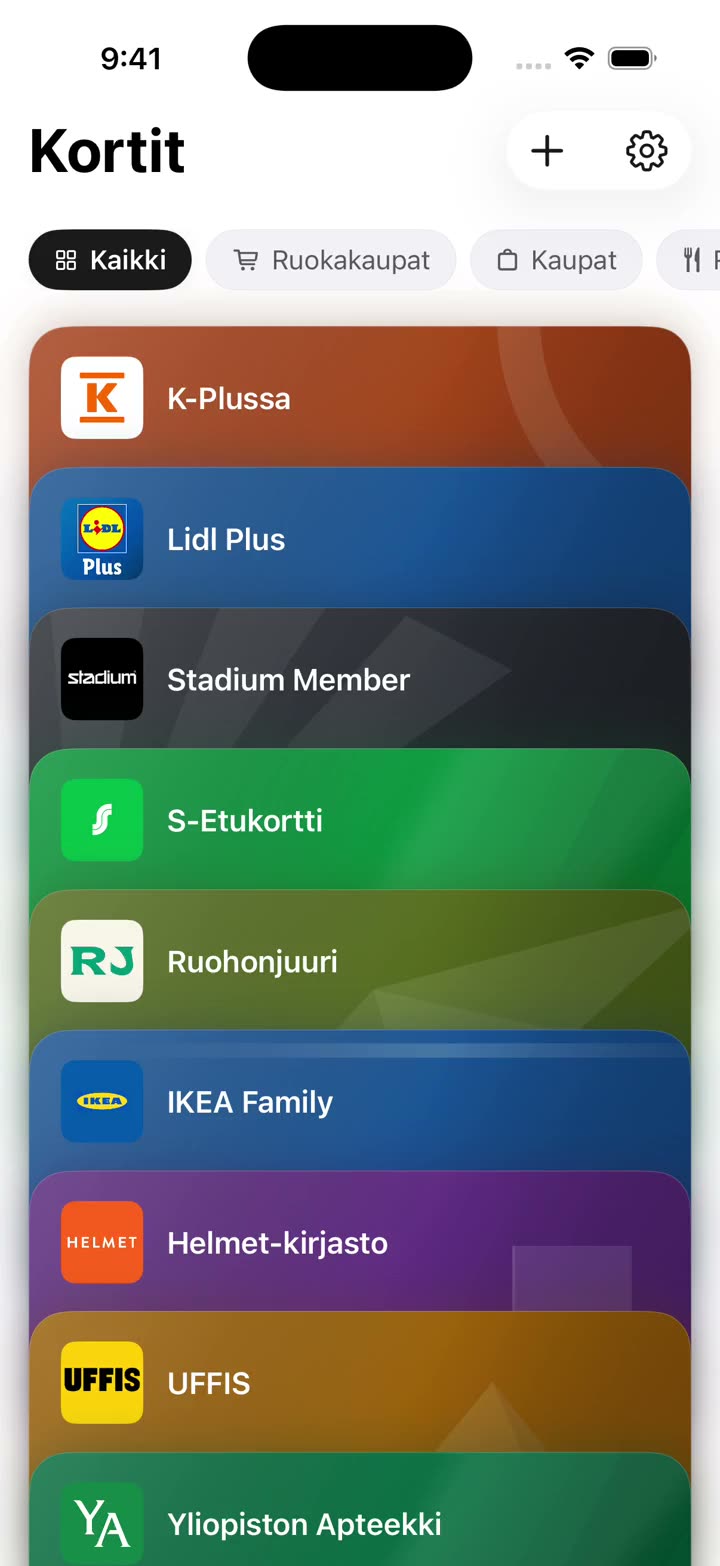
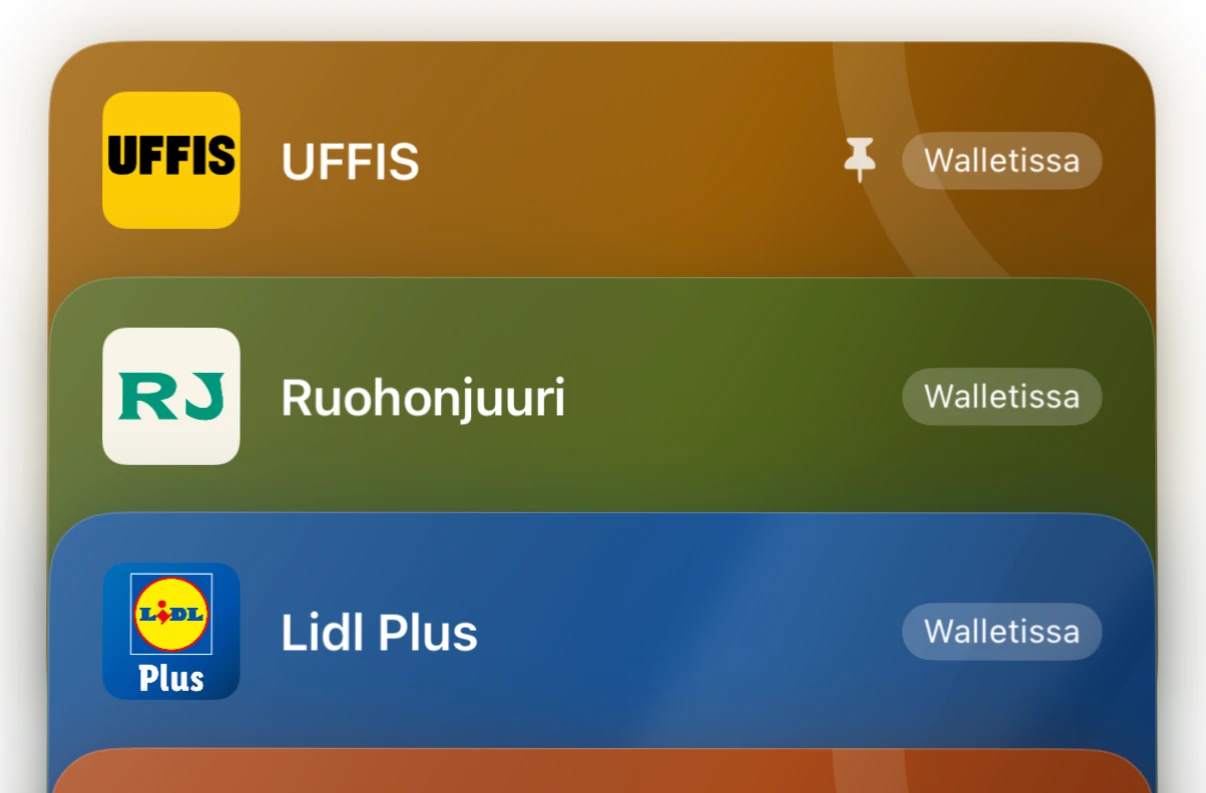
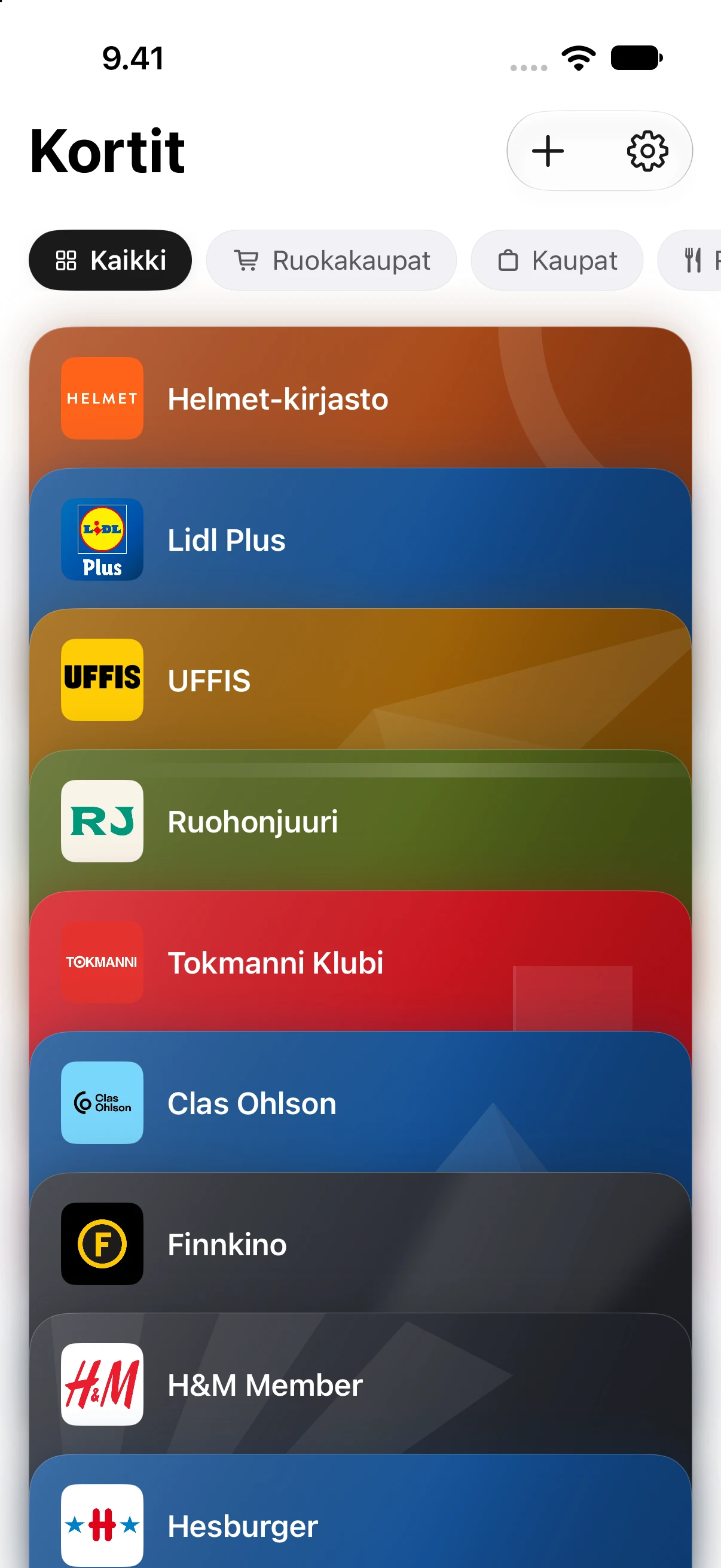
You can add any card at all – including ones outside this list – and give it the name, colour and style you want.
Names and logos are trademarks of their respective owners. Etukortit is not an official partner.
How it works
Add a card in two taps.
You can add a card from a single photo or screenshot — taken in an app, an email, or on a website.
Added once, kept safe and always with you
Adding a card takes under ten seconds. After that you can forget about hunting for it — or forgetting it — in the checkout queue.
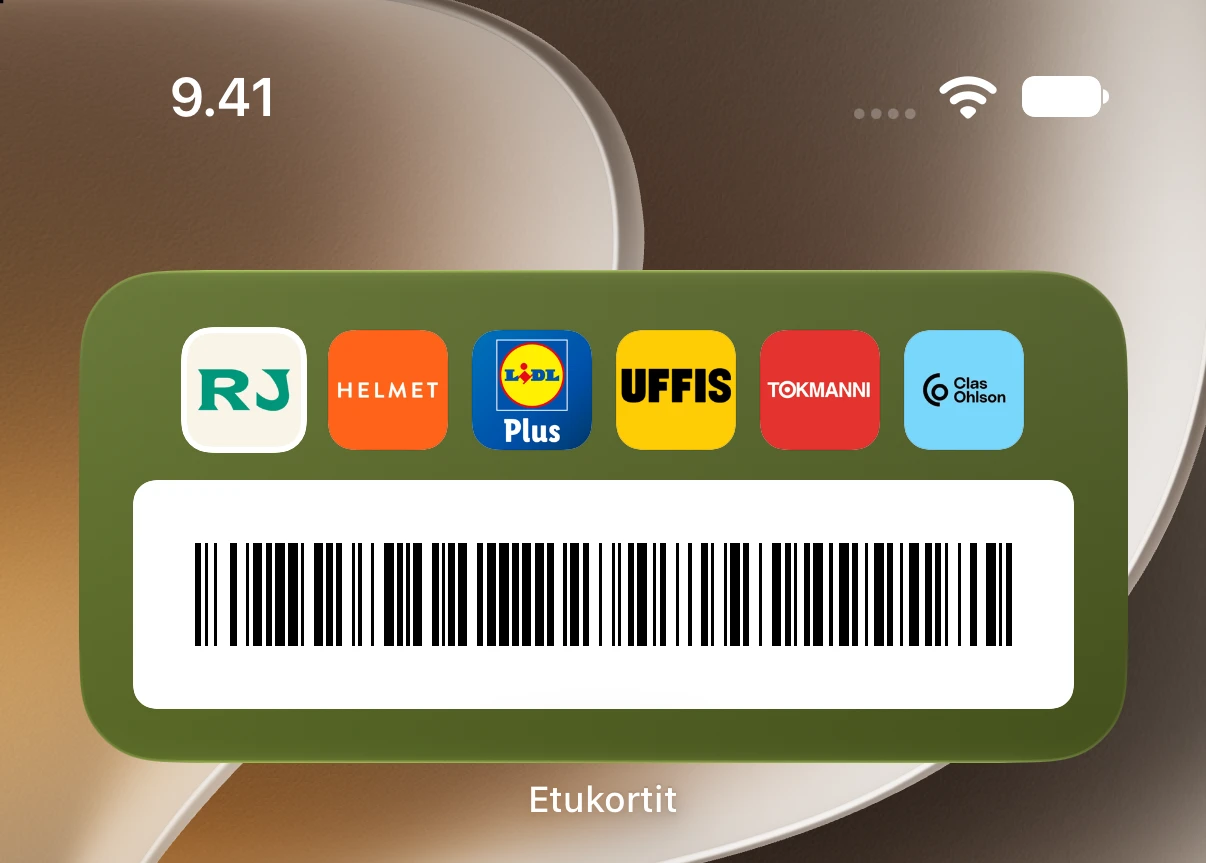
Fast widgets on the home and lock screen
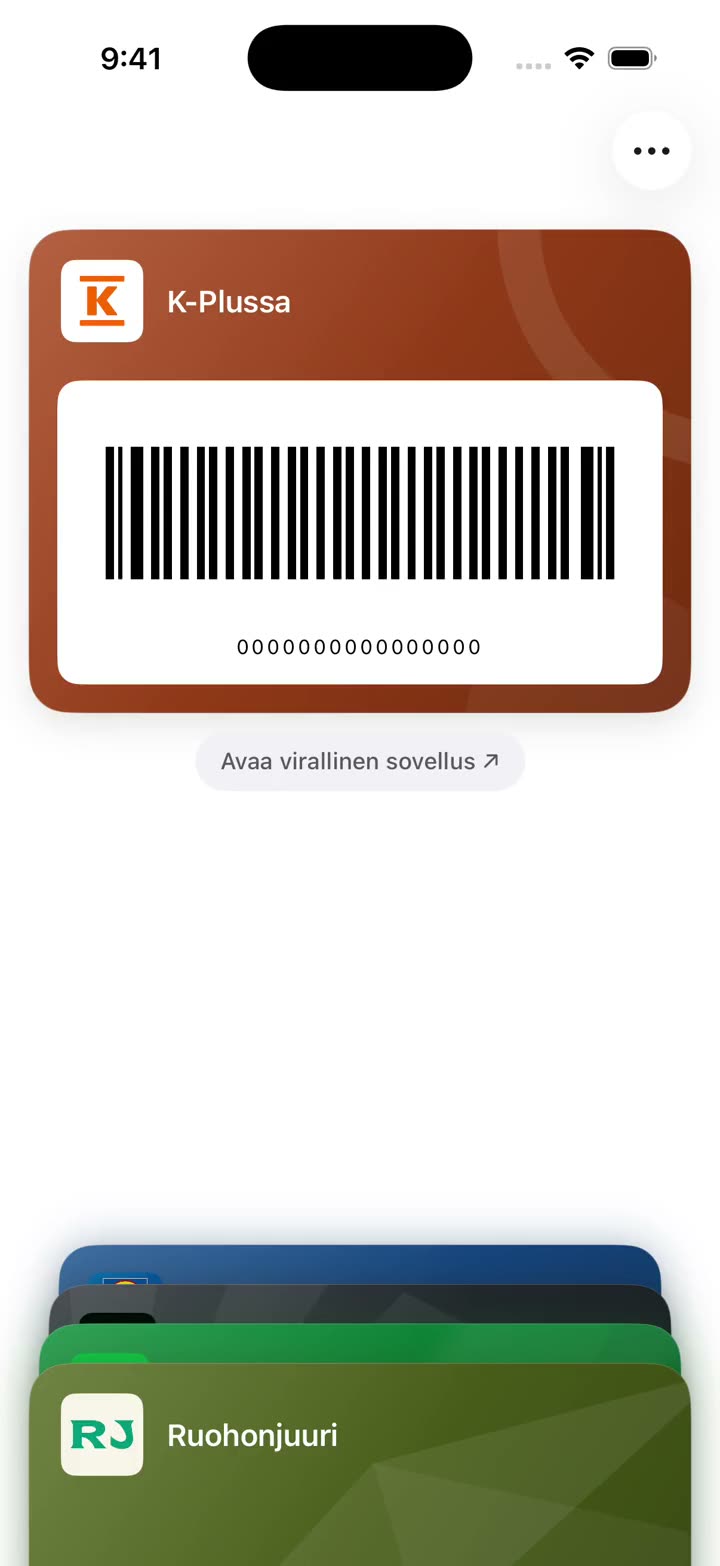
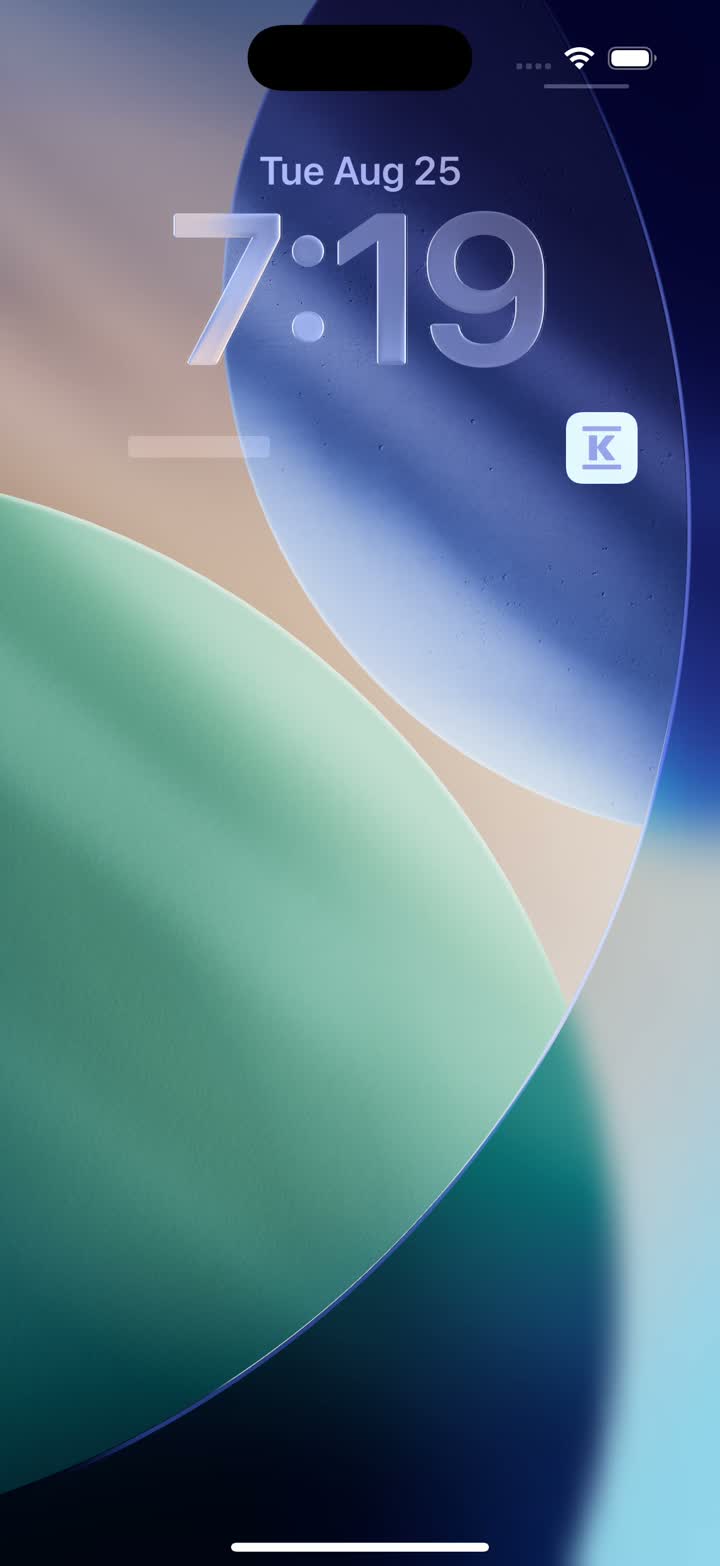
Widgets on the home and lock screen bring the card up without even opening the app. The right card is one tap away.
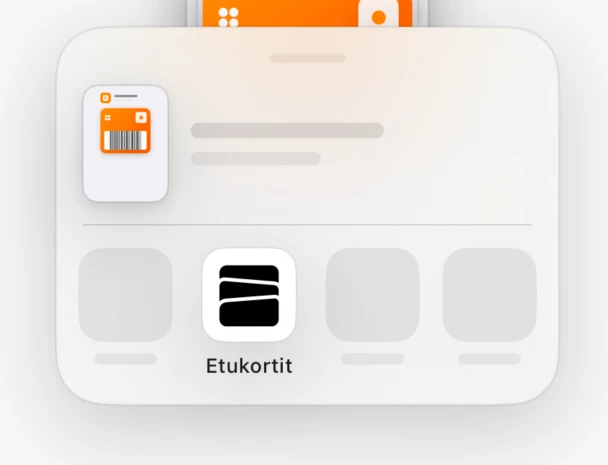
Sync the cards you choose to Wallet
Plenty of chains offer no Apple Wallet card at all, and those are exactly the ones that are hardest to find at the till. Now you can add those to Apple Wallet too, if you want.
Just had to come by and give some praise and thanks ☺️ absolutely the best, especially the Plussa card, and everything else has worked super well too. As a one-time payment it could easily have been twice the price 😅
“
Got my K-Plussa card into Wallet in under a minute
“
Every single time at the self-checkout it's p*ssed me off how it takes forever to start the app so you can beep the card. Well, now it's there. Hallelujah
“
This is a great product. I didn't think I could get my K-Plussa card into Wallet at all.
“
For the first time, adding cards is actually easy. Really good to use.
“
Once I started going through the list, I couldn't even remember how many places I'm supposed to have a card for. Thanks.
At checkout
Your card, open in a blink.
There is no time to go hunting in a queue. Etukortit opens the right card with a single tap — no logins, no waiting.
Before
Find the right app on your phone
Sign in
Hunt for the card in the menus
Wait for it to load
With Etukortit
One tap. The card is open.
A widget on the home or lock screen brings the card up without even opening the app.
From the maker
Less fuss. More perks.
Loyalty cards live everywhere now: one in the chain's own app, one attached to an email, one only behind a website — and the rest at home in a drawer as plastic. I wanted one place where they would all be kept safe and easy to reach.
Too often I have stood at the till trying to remember whether I was a member or not. Or started signing in to an app just to get at my own card. And felt the next customer's stare on the back of my neck.
That is why I built Etukortit. I keep polishing the experience so the card is there in seconds. I also wanted adding a card to be just as easy, so that is not where you get stuck.
I hope Etukortit makes your everyday a little easier as well. Feel free to tip off a friend.
Promises
What Etukortit doesn't do.
Privacy — and a considered experience — is not a setting you have to go looking for, or be made to pay for.
No user account and no sign-in
No ads and no advertising identifier
No recurring subscription and no monthly fees
No push notifications and no spam
Images are processed on your device
No data of yours leaving your phone
No locking your data into a single app
Ready in moments
Your first card in a minute.
1Download Etukortit from the App Store or Google Play
2Screenshot the card — in an app, an email, or on a website.
3Share the image to Etukortit, and the card is ready to use
€4.99
One-time payment. Try it free first.
You pay once, with no recurring subscription. Try it free for two weeks first, with no commitment and no card details.
Etukortit costs €4.99 once: no subscription, no monthly fees, and no limit on the number of cards. You can try the app free for two weeks — no payment details are requested and you are never charged automatically. Adding cards to Apple Wallet is part of the full version.
How does adding a card from a screenshot work?
Screenshot the card wherever it lives right now and share it to Etukortit from the share sheet. The card is ready in seconds — cards from familiar chains are recognised automatically.
What if the card isn't recognised from the image?
Automatic recognition requires a barcode to be visible in the image or on the card. If there is no barcode or it is not recognised, you can add the card manually using only its number. You can also crop the image again or try a different image.
Which devices does Etukortit support?
Etukortit is available for iPhone on the App Store and for Android on Google Play. The iPhone version requires iOS 18 or later and includes home screen and lock screen widgets.
Where is my card data stored?
On your phone and nowhere else. If you turn on iCloud sync it is also stored in your own private iCloud, which we cannot access. The app works fully without iCloud too. The developer has no access to your card data.
Which cards can I add?
You can add cards with a barcode or matrix code (for example, a QR code), and save cards as images even if they have no code. The card can currently be plastic, in an app, in your email, or on a website. Etukortit does not handle payment cards. The card issuer always decides whether a digital copy is accepted.
Does Etukortit work in every store?
Etukortit creates a digital copy of your card's identifier, and technically it works exactly like the official card. The organisation that issued the card, however, always decides whether it accepts a digital copy.
Do I still need the stores' own official apps?
Etukortit makes using your cards faster, but it does not carry things like offers, coupons, or other features the official apps may have. So it is worth keeping both.
I couldn't find an answer to my question
No worries! We are happy to answer any question — just send us an email: tuki@etukortit.com
Start with a single screenshot.
Download Etukortit and finally gather your cards safely in one place.